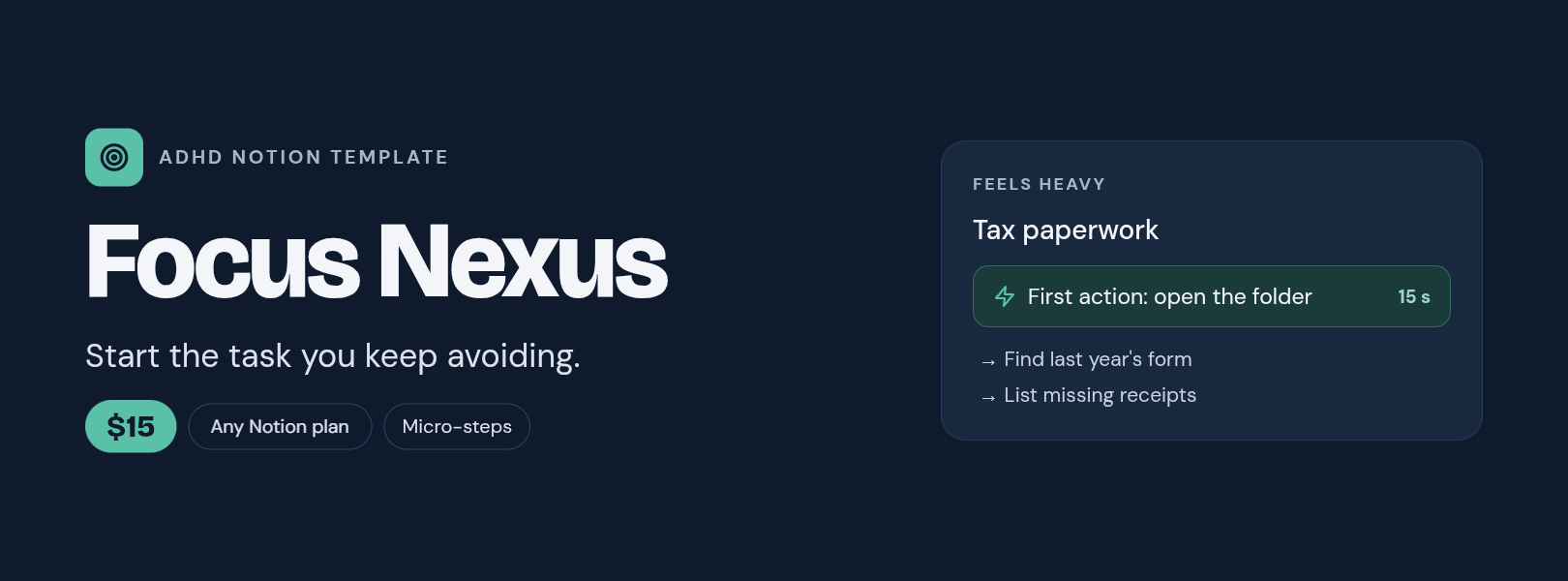
Focus Nexus — ADHD Notion Template to Start the Task You Keep Avoiding
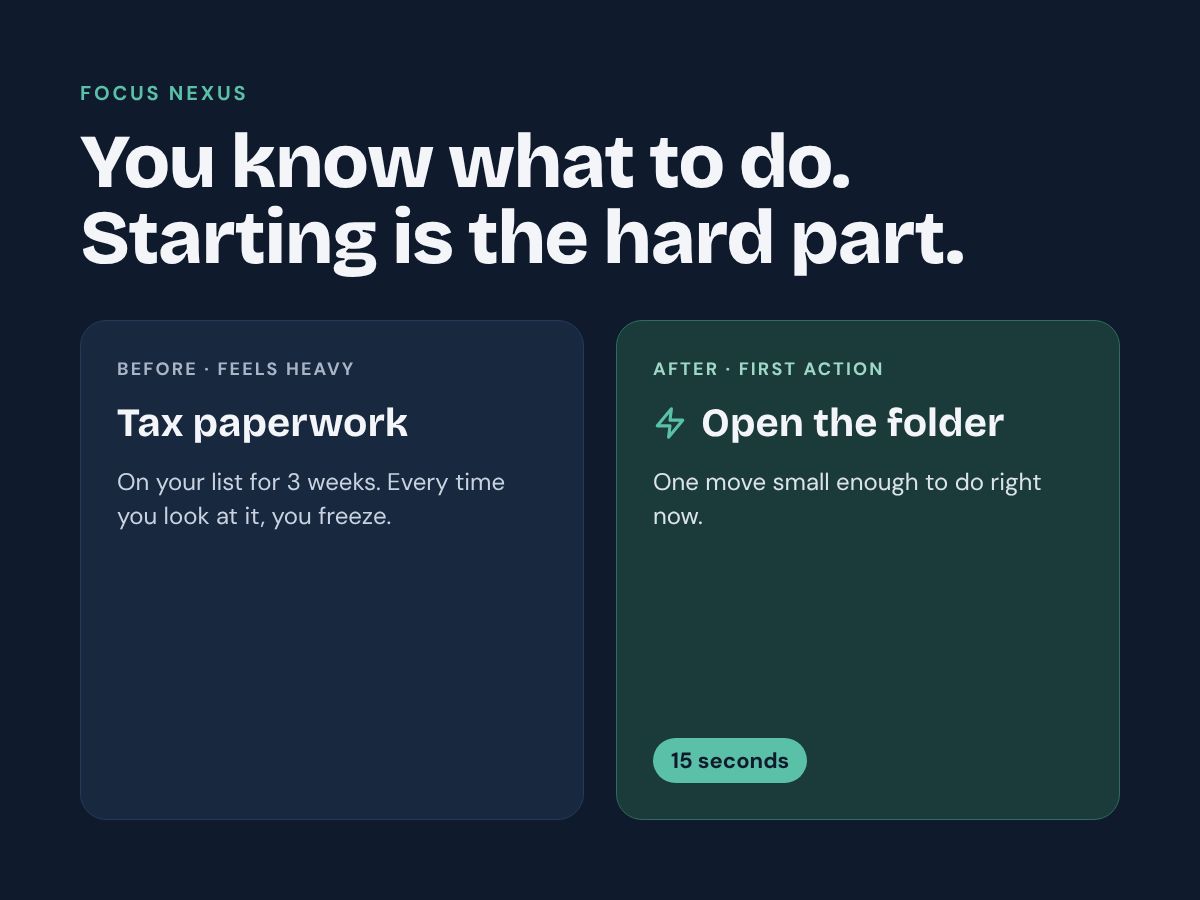
You know exactly what needs doing. You just can't make yourself begin. 😮💨 That gap between knowing and starting is one of the hardest parts of executive dysfunction. Focus Nexus is a Notion system built for that one moment: it turns the task you keep avoiding into one action you can start in 15 seconds.
No long setup. No streaks. No scores. Write what feels heavy in your own words and get a first move small enough to actually do. ✨
🌟 What changes once it's set up
✅ Shorter freeze: every task starts with a 15-second First Action
✅ Big tasks stop looking like walls: 3 to 8 micro-steps, each starting with a verb
✅ You always know what "done" looks like: a clear Definition of Done on every task
✅ Low-energy days still count: a dedicated list for when you're running on empty
📦 What's included
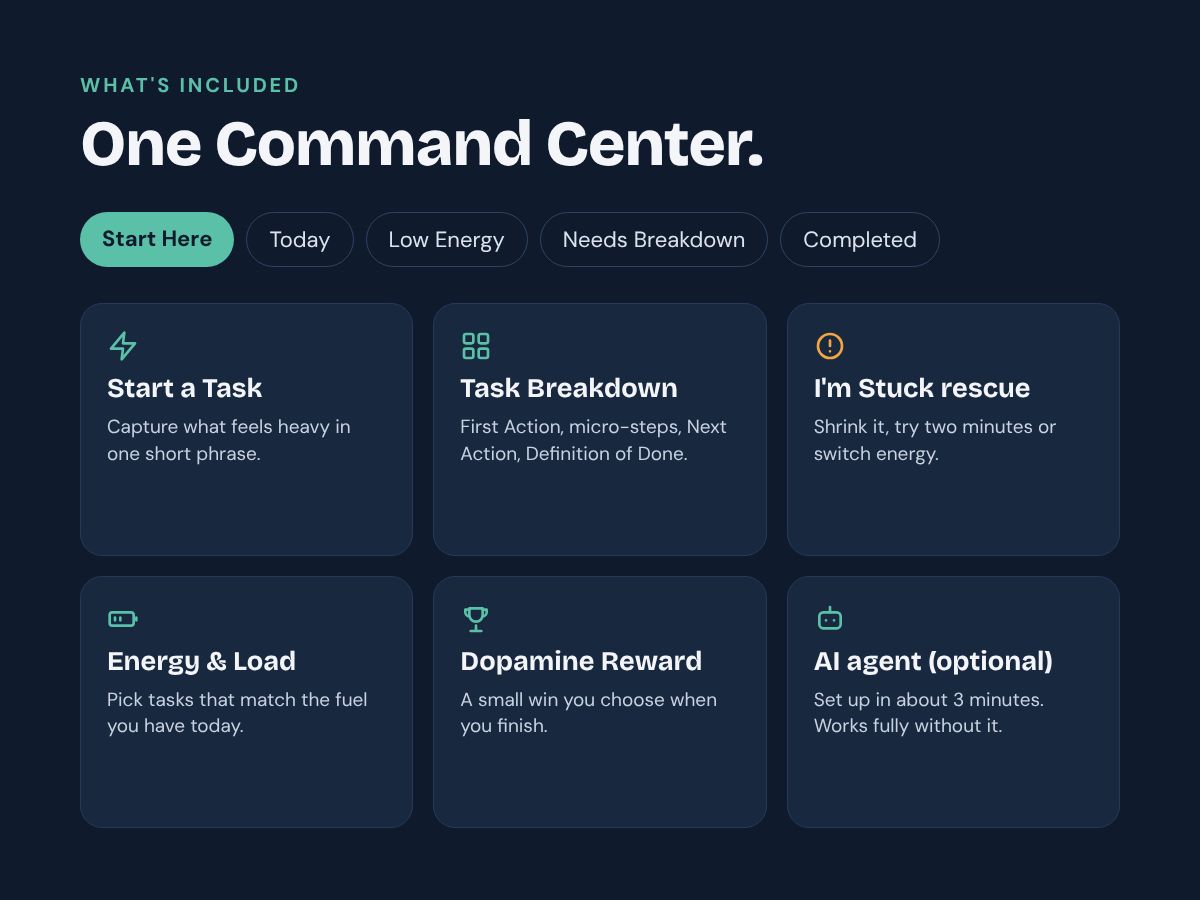
🧭 Command Center: one screen with Start Here, Today, Low Energy, Needs Breakdown and Completed
⚡ Start a Task: capture what feels heavy in one short phrase
🧩 Task Breakdown: First Action, micro-steps, Next Action and Definition of Done
✍️ Manual Breakdown template: ready-made headings to break a task down by hand in about 2 minutes
🆘 I'm Stuck rescue: shrink it, try two minutes, switch energy, or ask the agent
🔋 Energy Required & Cognitive Load: pick tasks that match the fuel you actually have today
🏆 Dopamine Reward: a small acknowledgement you choose when you finish (Small, Meaningful or Major Win)
🤖 Optional AI agent: step-by-step instructions to create your own Focus Nexus agent in about 3 minutes (needs a Notion plan with Custom Agents; the system works fully without it)
📘 Start Here guide: a 2-minute daily loop and what every field means
💡 Why it's different
Most planners help you organize tasks. Focus Nexus works on the step before that: getting started. It follows one loop:
1. Capture what feels heavy.
2. Break it down.
3. Do the First Action only.
4. Recover when you get stuck.
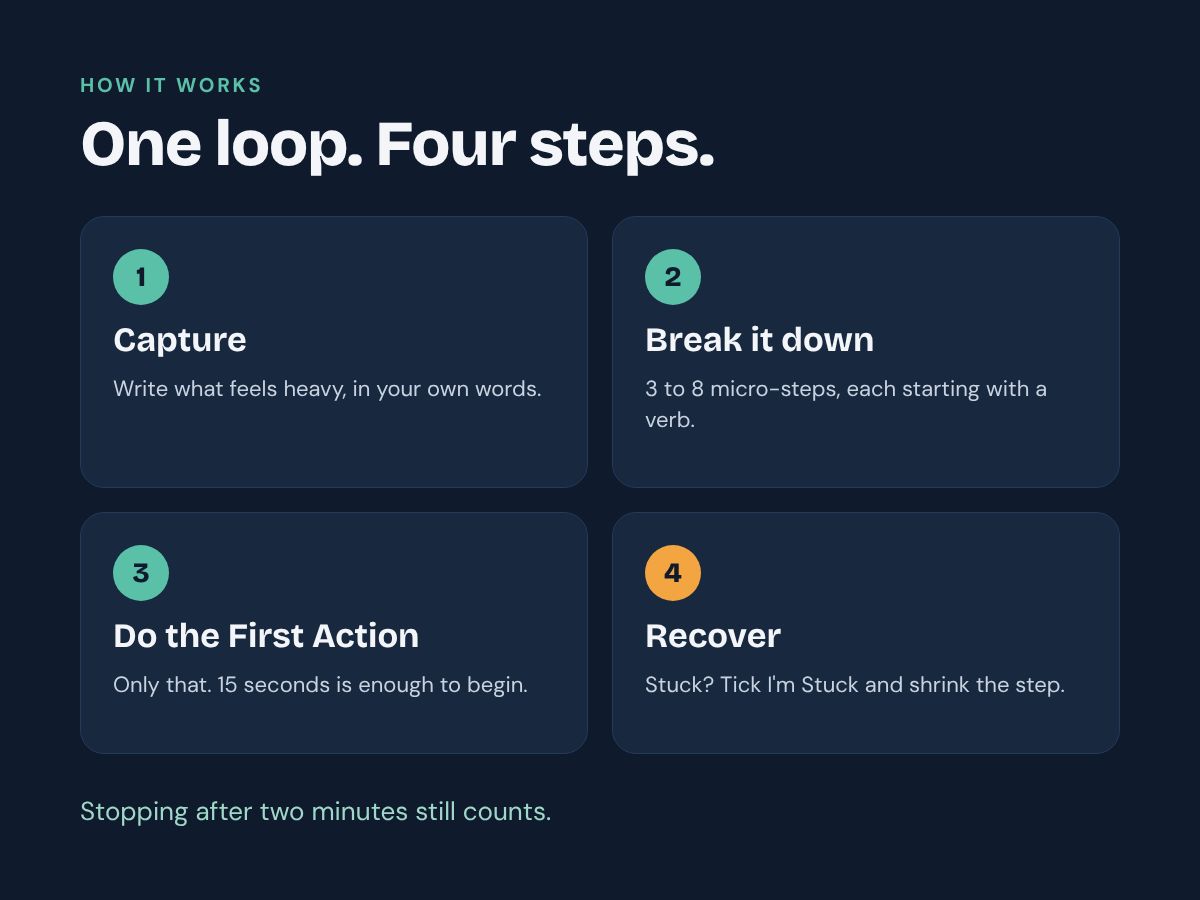
Stopping after two minutes still counts. 💛
👤 Who it's for
- People who struggle with task initiation, procrastination or executive dysfunction
- People with ADHD and other neurodivergent minds
- Students, freelancers, remote workers and busy parents
- Anyone whose to-do list is full of "10-minute tasks" that have been sitting there for weeks
📱 Made for everyday use
- Works on mobile, tablet and desktop
- Works with a Notion account (manual mode)
- AI mode is optional: it needs a Notion plan with Custom Agents and uses Notion AI credits
- Customizable: rename, hide or add anything
- Written in clear, simple English
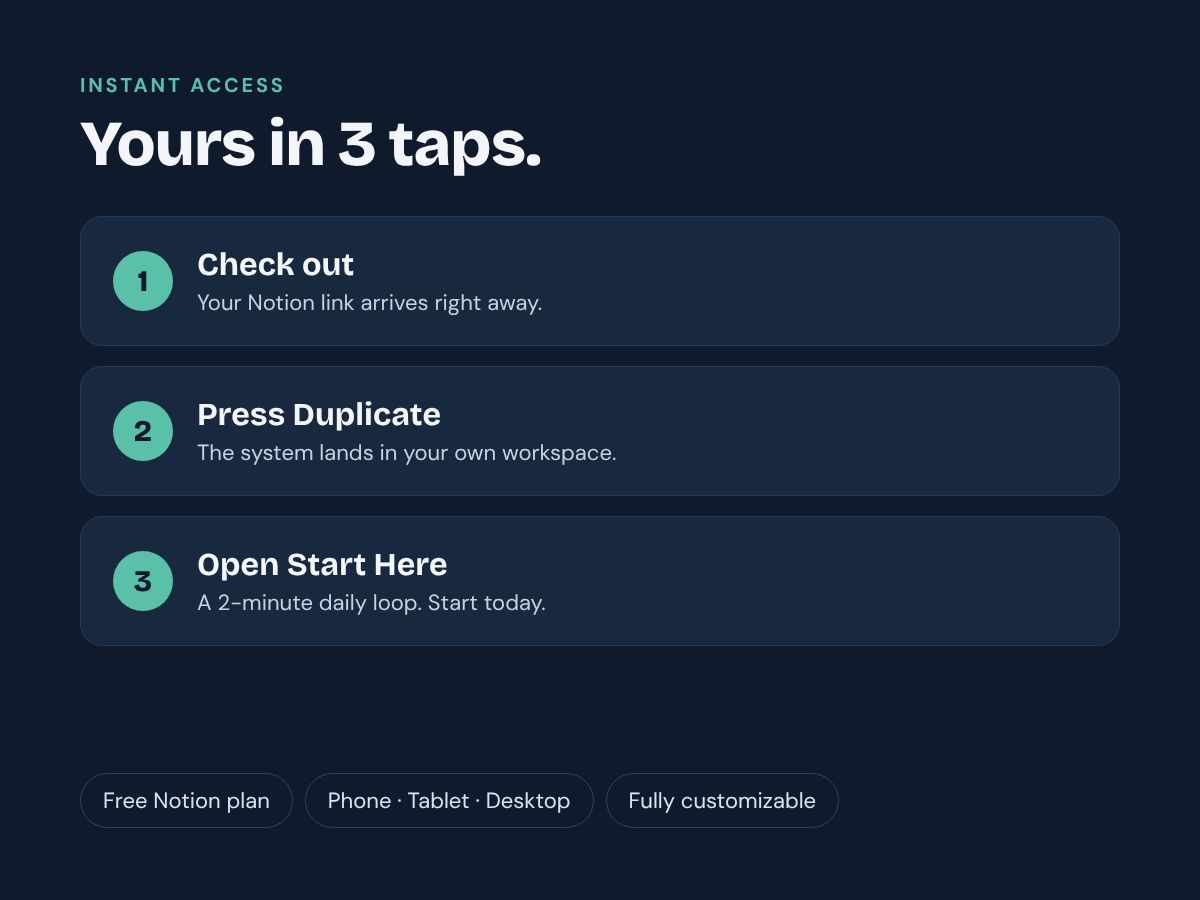
⚡ Instant access: right after checkout you get your Notion link. Press "Duplicate" and the system is yours.
❓ Frequently asked questions
😮💨 I already have a to-do app. Why would I need this?
A to-do app stores tasks. It doesn't help you start them. Focus Nexus is built for the moment you stare at a task and can't begin. Each task gets a First Action you can do in 15 seconds, a few micro-steps, a Next Action and a clear Definition of Done. Your Command Center then shows you one task to open first. If you still can't start, the I'm Stuck section gives you four simple ways to get moving again.
🤖 Do I need Notion AI or a paid Notion plan?
No. Focus Nexus works fully on a Notion account: you fill in four fields by hand in about 2 minutes, with a ready-made template to guide you. The AI agent is an optional extra. It needs a Notion plan that includes Custom Agents, and each run uses Notion AI credits. The agent is not part of the template copy: you create it once in about 3 minutes, using the instructions included in the template.
📱 Does it work on my phone, tablet and computer?
Yes, on all three. You can add a task from your phone the moment it starts weighing on you, then open your Command Center wherever you are. Add Focus Nexus to your Notion Favorites so it's one tap away. Setting up the optional AI agent is easier on a computer.
🧠 Who is this template for, and is it medical advice?
It's for anyone who finds it hard to start tasks, including people with ADHD and other neurodivergent minds, students, freelancers and busy parents. It is an organizational and productivity tool only. It is not medical advice and is not intended to diagnose, treat, cure or prevent ADHD or any other condition. If you have questions about ADHD, please talk to a healthcare professional.
⚡ What exactly do I get, and how do I receive it?
You get instant access after checkout, with a link to your Notion template. It includes the Command Center, Start a Task, Task Breakdown, the Manual Breakdown template, the I'm Stuck rescue, energy and cognitive load fields, Dopamine Reward, the optional AI agent instructions and the Start Here guide. Click the link, press "Duplicate" and the system is yours to keep and customize.
🧩 Is the AI agent included in the template?
The instructions are included, the agent itself is not. Notion does not copy agents with templates, so you create it once in your workspace (about 3 minutes). The Start Here guide walks you through it step by step, and the full instructions are ready to copy and paste.
🆘 What happens when I tick "I'm Stuck"?
With the agent set up, it finds the step you're stuck on, splits it into two or three smaller steps, updates your First Action and leaves you a short comment. Then it unticks the box. Without the agent, the Start Here page gives you a 4-step recovery routine.
This is an organizational and productivity tool, not medical advice. It is not intended to diagnose, treat, cure or prevent ADHD or any other medical condition.