
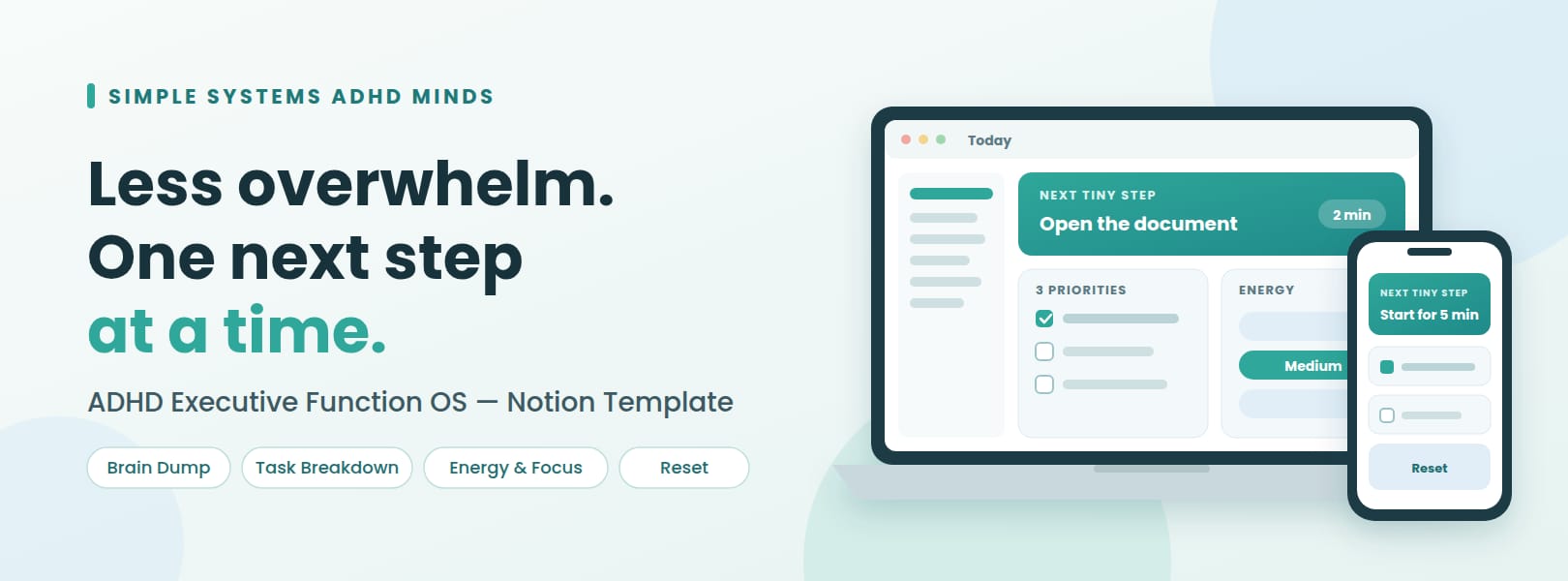


ADHD Executive Function OS — Notion Template for Less Overwhelm & Easier Starts
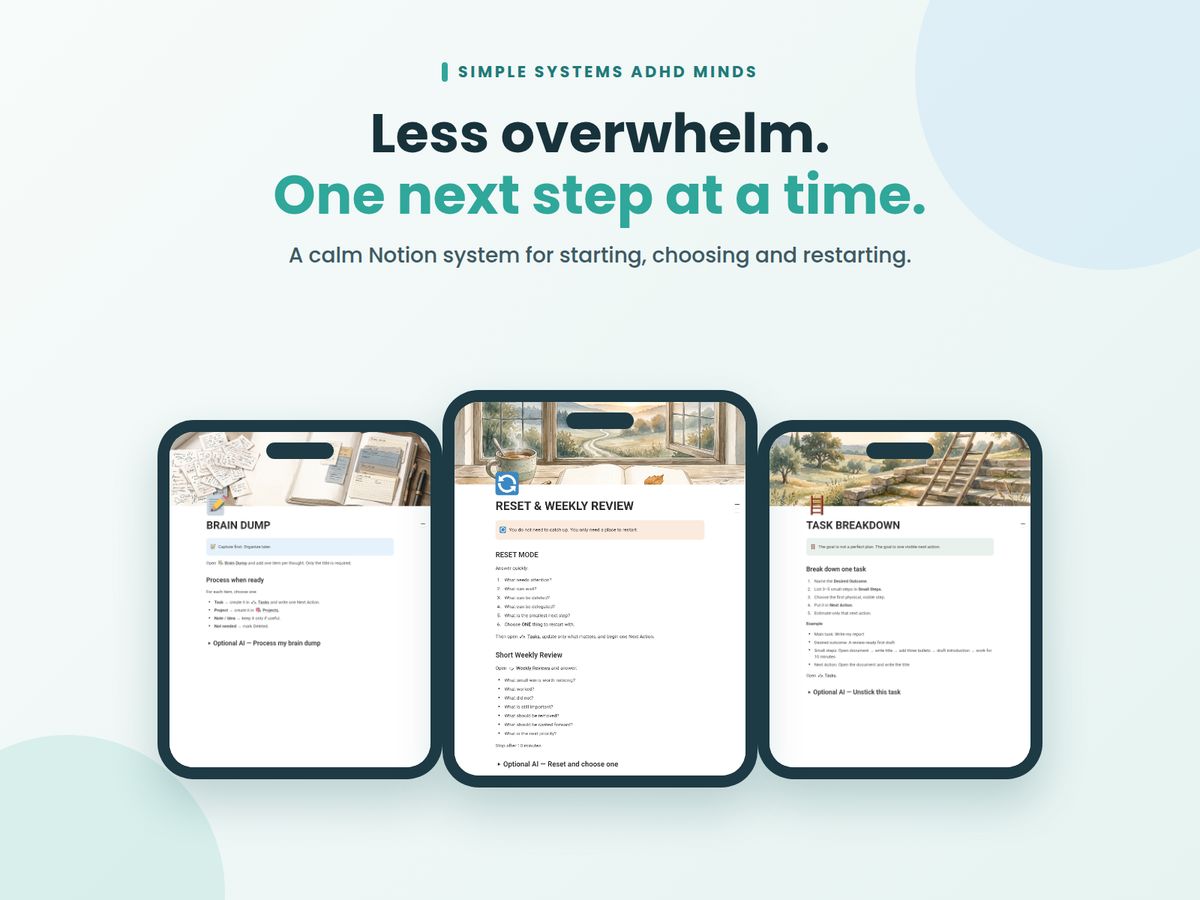
Your to-do list is full, your head is fuller, and starting feels harder than the task itself. 😮💨 That isn't a lack of willpower. It's how executive function works when you're overloaded. ADHD Executive Function OS is a light, low-friction Notion system built around exactly those moments: starting, choosing, estimating time and restarting after a rough week.
No rigid schedules. No streaks. No guilt. Just a calm place to capture what's on your mind and pick one small action you can begin in 2 to 10 minutes. ✨
🌟 What you'll feel after setting it up
✅ Less mental clutter: everything lands in one Brain Dump, sorted later
✅ Easier starts: big tasks become one tiny Next Action
✅ Better time awareness: see how long things really take, without judgment
✅ A way back: restart after falling behind without catching up on everything
📦 What's included
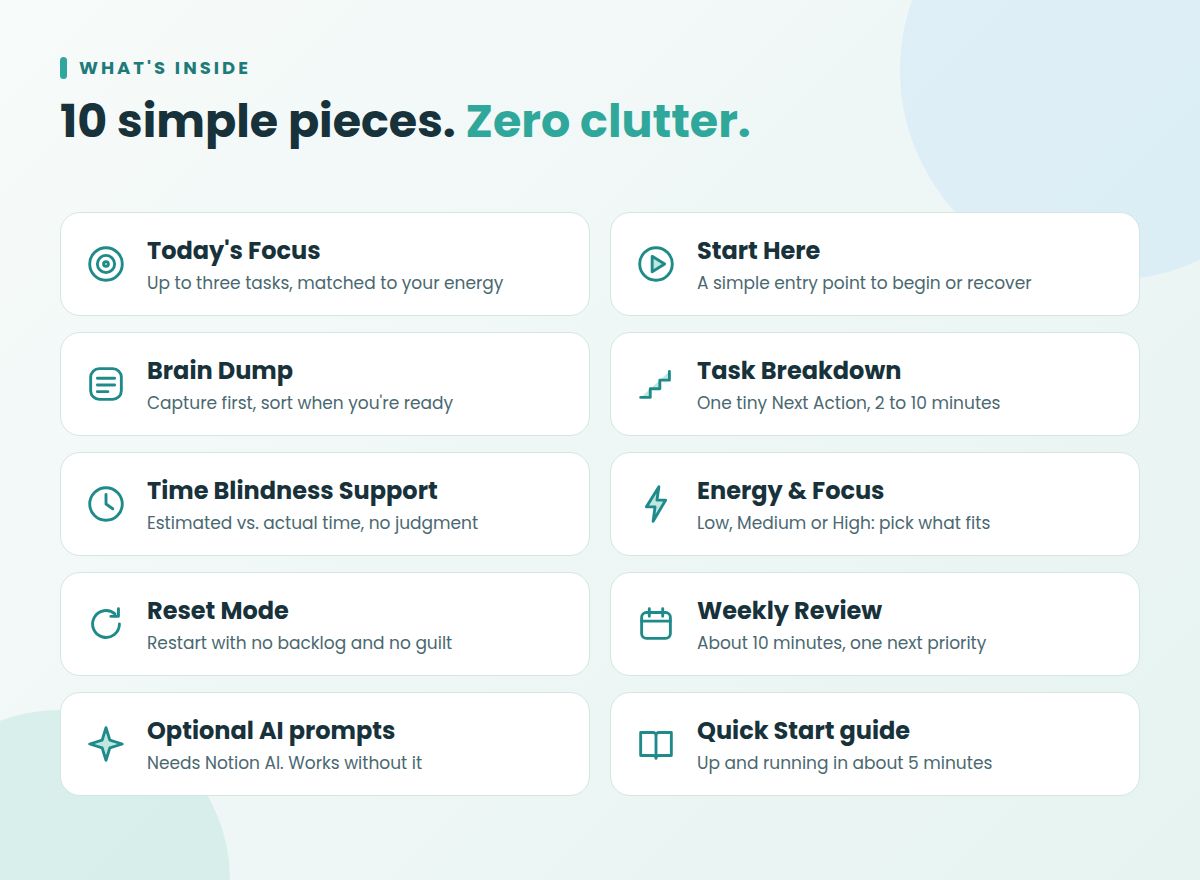
🎯 Today's Focus: choose up to three tasks based on your priorities and your energy
⚡ Start Here: a simple entry point to start, clear your mind or recover
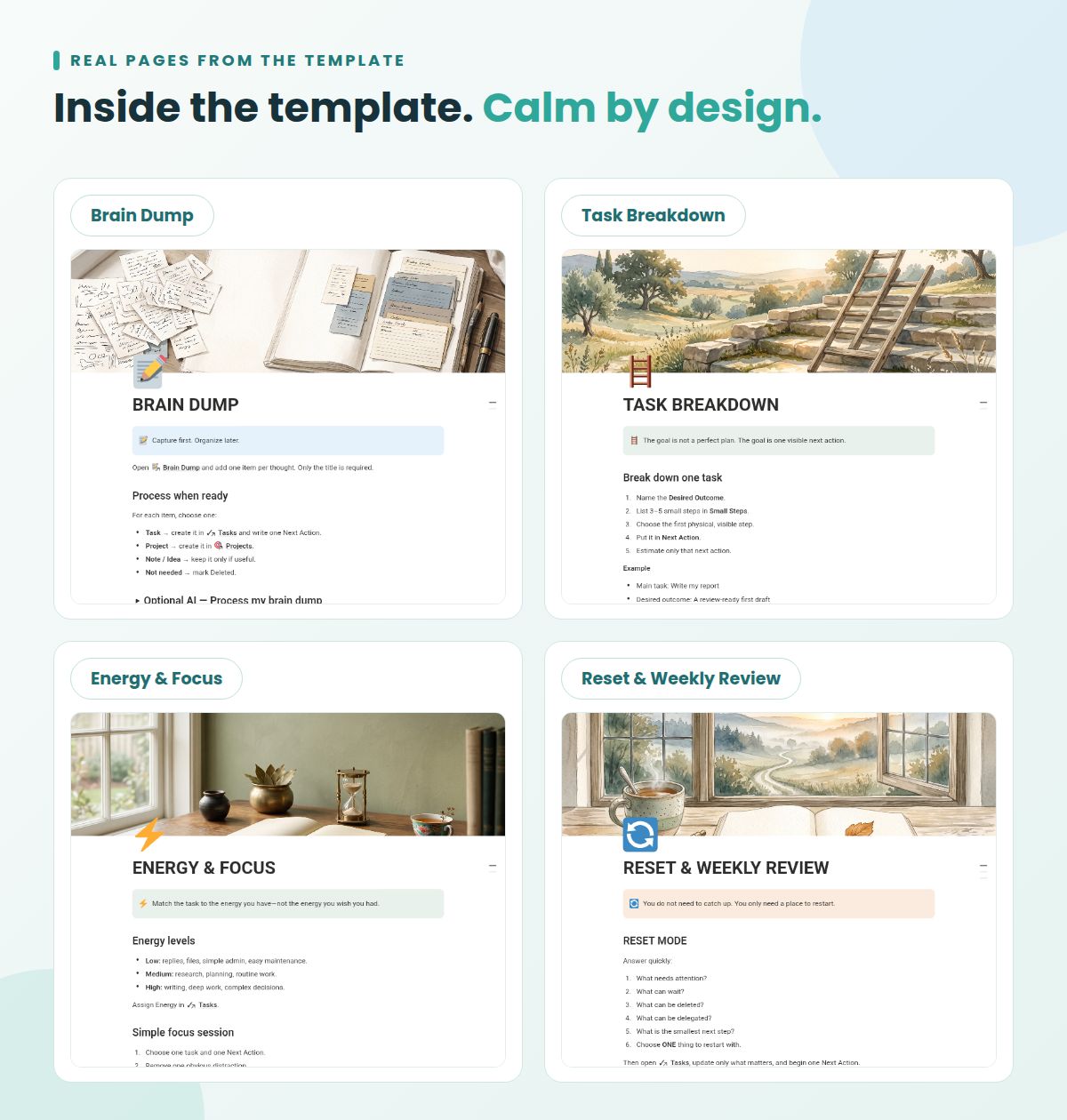
🧠 Brain Dump: capture tasks, ideas and reminders fast, then sort when you're ready
🧩 Task Breakdown: turn overwhelming tasks into small steps and one tiny Next Action
⏱️ Time Blindness Support: compare estimated and actual time to learn your own patterns
🔋 Energy & Focus: match tasks to low, medium or high energy instead of forcing a schedule
🔄 Reset Mode: restart in minutes with no backlog and no guilt
📋 Weekly Review: reflect, let go of what no longer matters and set your next priority in about 10 minutes
✨ Optional AI prompts: unstick a task or process a brain dump (Notion AI needed; the system works without it)
📘 Quick Start guide: be up and running in about 5 minutes
💡 Why it's different
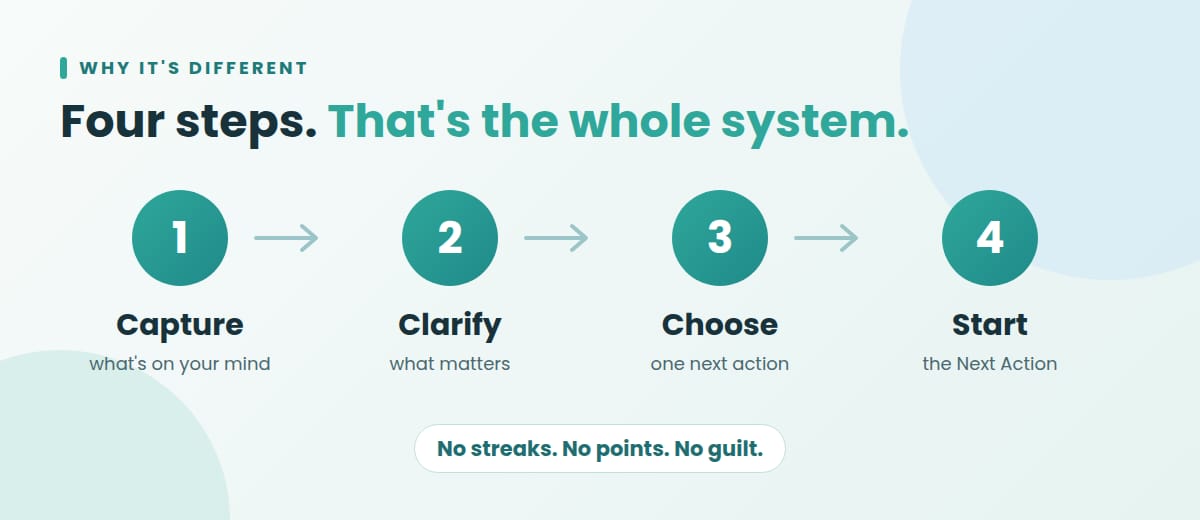
Most ADHD planners ask for daily upkeep and become one more thing to fall behind on. This one follows four steps only:
1. Capture what's on your mind.
2. Clarify what matters.
3. Choose one next action.
4. Start.
It's designed for real life, including the days you lose momentum. 💛
👤 Who it's for
- People who struggle with task initiation, prioritization, time blindness or executive dysfunction
- People with ADHD and other neurodivergent minds
- Students, freelancers, professionals and busy parents
- Anyone who gave up on a complicated planner and wants something lighter
📱 Made for everyday use
- Works on mobile, tablet and desktop
- Low cognitive load: minimal clutter, one clear next step
- Customizable: rename, hide or add anything
- Written in clear, simple English
- Works with a free Notion account (only the optional AI prompts need Notion AI)
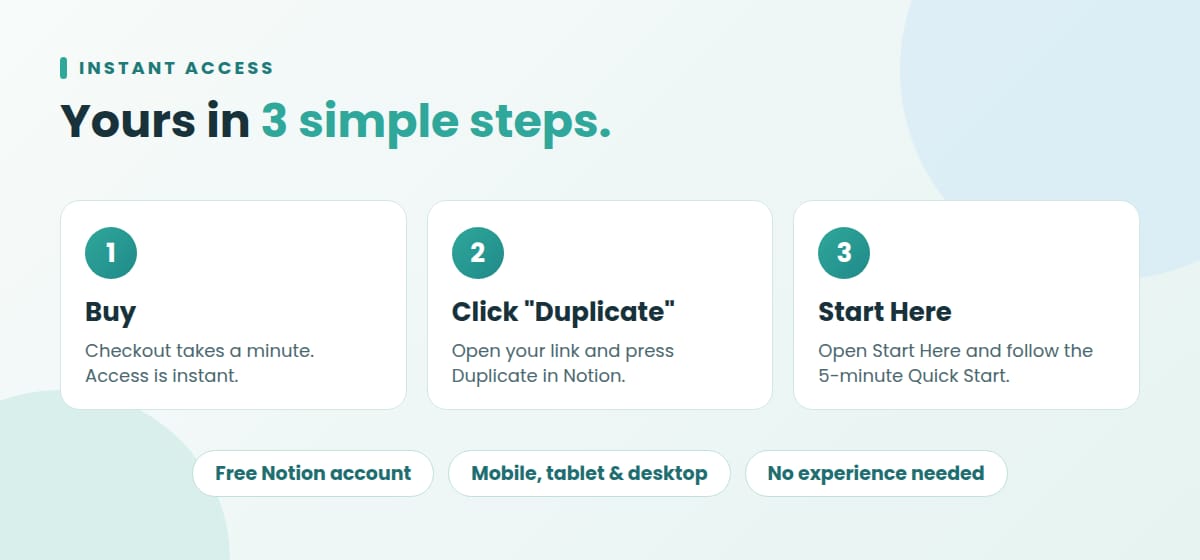
⚡ Instant access: after checkout you receive an access guide (PDF) with your link. Press "Duplicate" in Notion and the system is yours.
❓ Frequently asked questions
😮💨 I've abandoned every planner before. Will this be different?
That's exactly the problem this template was built to solve. Most planners fail because they demand daily upkeep: streaks to maintain, dozens of databases to update, a backlog that grows when you miss a day. ADHD Executive Function OS works the other way around. There are no streaks, no points and no guilt. You only ever need to do one thing: capture what's on your mind and pick one small Next Action you can start in 2 to 10 minutes. And when you fall behind, the Reset page lets you restart with a single step instead of catching up on everything. Falling off isn't a failure here. It's part of the system.
🆓 Do I need Notion experience or a paid plan?
No to both. The template works with a free Notion account, and you don't need to know anything about databases or formulas. Here's all you do: click the link in your access guide, press "Duplicate" to add the template to your workspace, open the Start Here page and follow the 5-minute Quick Start. A task title and one Next Action are enough to begin. Only the optional AI prompts require Notion AI, and the whole system works perfectly without them.
📱 Does it work on my phone, tablet and computer?
Yes, on all three. The core system is designed to be light and mobile-friendly, so you can capture a thought in your Brain Dump the moment it appears, wherever you are. For fastest access, add the Dashboard, Brain Dump, Tasks and Reset pages to your Notion Favorites. Then each one is one tap away in the Notion app. The setup itself is easiest on a computer, but daily use works just as well on a phone.
🧠 Who is this template for, and is it medical advice?
It's for anyone who finds it hard to start tasks, choose priorities or keep track of time. That includes people with ADHD and other neurodivergent minds, as well as students, freelancers, professionals and busy parents who want a lighter system. It is an organizational and productivity tool only. It is not medical advice and is not intended to diagnose, treat, cure or prevent ADHD or any other condition. If you have questions about ADHD, please talk to a healthcare professional.
⚡ What exactly do I get, and how do I receive it?
You get instant access right after checkout. You'll receive a short access guide (PDF) with a link to your Notion template. The template includes: Today's Focus, Start Here, Brain Dump, Task Breakdown, Time Blindness Support, Energy & Focus, Reset Mode, Weekly Review, optional AI prompts and a Quick Start guide. Click the link, press "Duplicate" in Notion, and the full system becomes yours. You can rename, hide or add anything to fit the way you work. It's yours to keep and customize.
This is an organizational and productivity tool, not medical advice. It is not intended to diagnose, treat, cure or prevent ADHD or any other medical condition.